From a 10-Year-Old Framework to a Swift Package
Some of the most useful maintenance work starts with code that nobody planned to revisit.
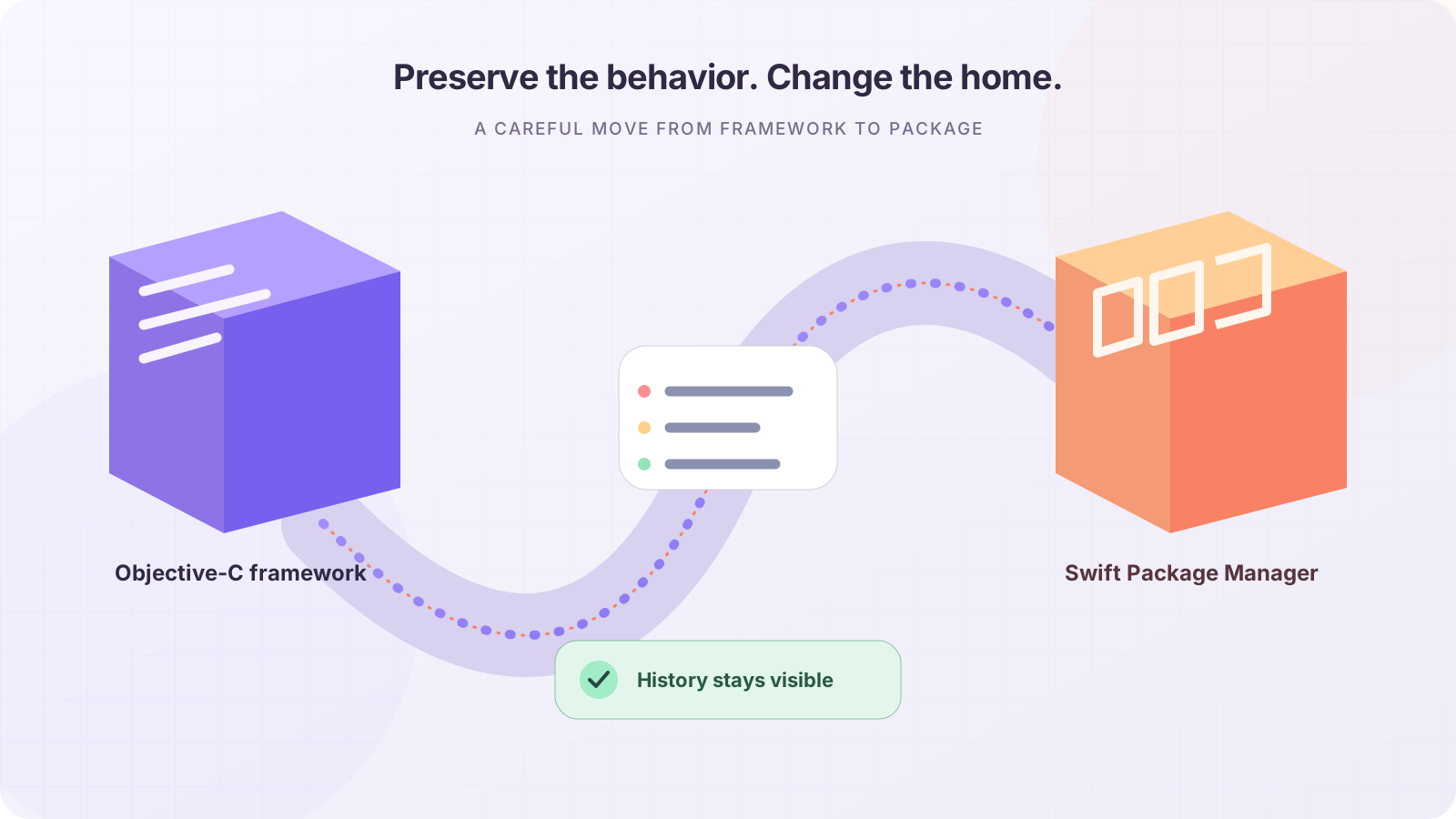
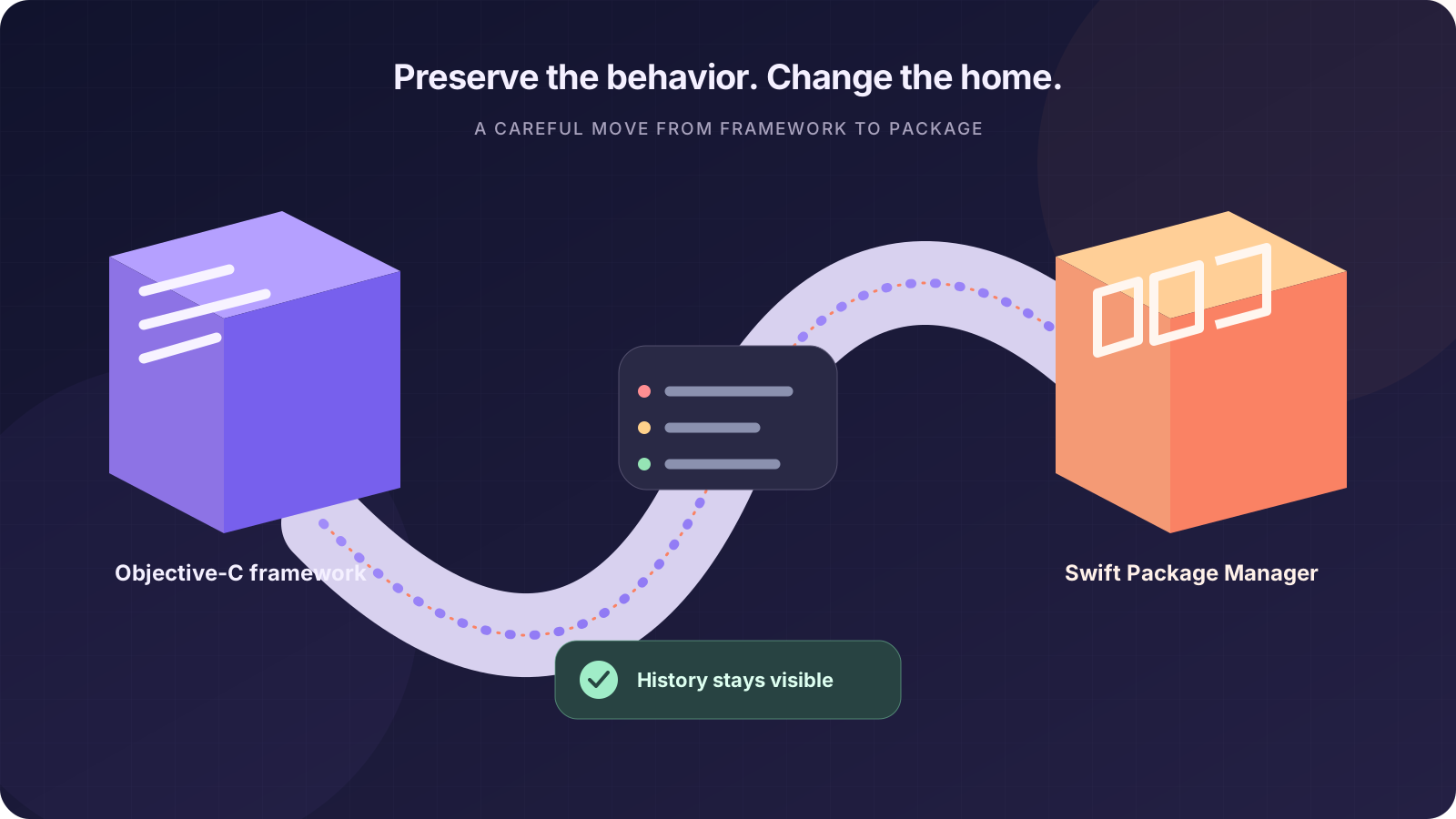
Some of the most useful maintenance work starts with code that nobody planned to revisit.
Recently, I returned to an old framework that had been mostly static for almost ten years. It was still useful, but it belonged to a different era of macOS development: Objective-C files, framework distribution, and an integration layer that depended on a bridging header.
That framework was still part of Sip, my color picker app.
The problem
Sip uses a Sketch plugin to exchange colors between the two applications. The workflow is simple:
- Pick a color in Sip and send it to Sketch.
- Read a color from Sketch and use it in Sip.
- Update fills and borders in the selected Sketch layers.
The difficult part was not the color conversion itself. The difficult part was the old CocoaScript framework that made communication with Sketch possible.
Sip still depended on an Objective-C bridge, and some of the framework’s code had not been meaningfully updated for years. It worked, but every change carried the risk of disturbing code that had become difficult to understand.
I wanted to modernize the dependency without turning the project into a complete rewrite.
The plan
I asked Codex to help me with two specific goals:
- Convert the framework from Objective-C to Swift.
- Replace the old
.frameworkdistribution model with Swift Package Manager.
The important part was keeping the scope small.
I did not ask for a new architecture, a large test suite, sample applications, or a redesigned API. I wanted the same functionality in a form that was easier to maintain and integrate into current Swift projects.
The package needed to remain focused: just the library itself.
Swiftifying the code
The original project contained pairs of .h and .m files. During the migration, I kept the names and structure as familiar as possible while replacing implementations with Swift files.
That made the migration easier to review. Instead of reorganizing everything at the same time, I could compare the old and new versions one component at a time.
Some files were straightforward conversions. Others required more care because they represented older runtime or parsing behavior.
I also kept the original source information in the migrated files. Modernizing code does not mean erasing its history. The original authors and references still matter, especially when a project has been around for many years.
A migrated file should make both things clear:
- who performed the modernization;
- where the original implementation came from.
Removing the Objective-C bridge
The most important change was removing the remaining Objective-C dependency from Sip.
The old setup used bridging headers to expose Objective-C types and functions to Swift. This worked, but it made the integration more complicated than it needed to be. Some types had to exist in both worlds, and removing one header could easily break an Objective-C call site that still depended on it.
I replaced the remaining Objective-C pieces with Swift implementations, including the cursor-related code used by the framework.
This was not just a mechanical translation. Before replacing a type, I had to understand what it actually did, where it was used, and whether its behavior was part of the public API.
The goal was not to make the code look modern. The goal was to preserve its behavior while removing an entire language boundary.
Moving to Swift Package Manager
The old framework was distributed as a compiled framework. I changed that to a Swift Package Manager package.
That gives the project a simpler integration model:
dependencies: [
    .package(
        url: "https://github.com/ruiaureliano/cocoascript.git",
        branch: "main"
    )
]
The exact dependency can change depending on how the package is released, but the important difference is that the source is now integrated directly through Swift Package Manager instead of being treated as a separate framework artifact.
This also makes the project easier for other developers to inspect, build, and adapt.
Keeping the package minimal
One decision may seem unusual: I intentionally did not add tests or sample projects during this pass.
That was not because tests are unimportant. It was because I wanted to separate modernization from expansion.
The immediate requirement was to make the package usable by Sip and remove the old Objective-C bridge. Adding a test suite, examples, documentation infrastructure, and new abstractions would have increased the scope considerably.
For this first version, I preferred a small package that solved the actual problem over a larger project that tried to solve every future problem at once.
The package works for my use case, and the repository is now public for anyone who wants to inspect it, use it, or adapt it.
What Codex was useful for
Codex was particularly useful during the repetitive and investigative parts of the migration.
It helped with:
- converting Objective-C implementations to Swift;
- locating references to old types;
- identifying remaining bridging-header dependencies;
- preserving file organization;
- creating the Swift Package Manager structure;
- checking whether names and public interfaces stayed consistent;
- reviewing the changes for missing pieces.
But the important decisions were still mine.
I decided what the package should contain, what should remain unchanged, and where to stop. Codex could make the migration faster, but it could not decide whether a particular old behavior was essential to Sip.
That distinction matters. AI-assisted modernization works best when the human remains responsible for scope and compatibility.
Why this was worth doing
The result is not a dramatic new feature. Sip still exchanges colors with Sketch in essentially the same way.
The improvement is mostly structural:
- no remaining Objective-C implementation in the migrated framework;
- no bridging layer required for the modernized code;
- Swift Package Manager distribution;
- a smaller and more inspectable dependency;
- a public repository that others can reuse.
That is often what successful maintenance looks like. The user does not see a new button or a new mode. They simply inherit a codebase that is easier to build and less expensive to change.
Final thoughts
Modernizing old code is rarely about replacing every line with something new.
Sometimes the right approach is more conservative:
- understand the original code;
- preserve its useful behavior;
- remove one source of complexity at a time;
- keep the public surface stable;
- avoid adding scope before the first migration is working.
In this case, the old framework did not need a complete reinvention. It needed a careful transition from Objective-C and compiled framework distribution to Swift and Swift Package Manager.
It is now doing the same job in a form that fits better with the rest of the project.
And, perhaps most importantly, the history of the code has not been lost along the way.